Upgrade Guide
Please see the v1 announcement for new features, this page details only potential issues for v0.x users.
Migrating to new cell IDs
v1 is the first stable release of A5, and its cell IDs are permanent: they will not change in future versions.
The cell IDs are not the same as in versions 0.x, however the placement and shape of the cells stay the same. If you still have your source data, the simplest method is to just reprocess it with the new library.
Alternatively you can migrate any previously indexed cell IDs using the migrate function.
Example of unmigrated data
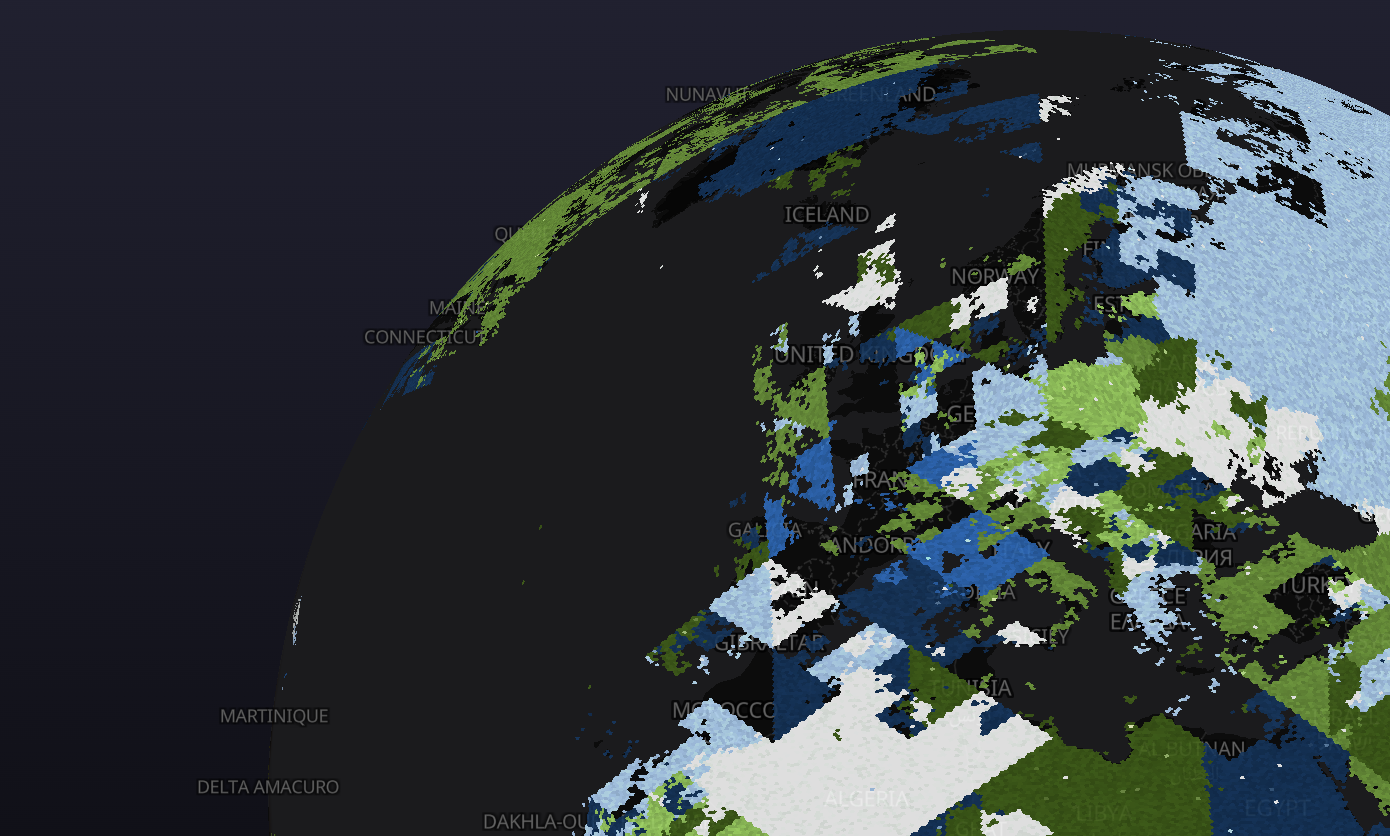
v0 cell IDs rendered using v1 appear roughly in the same place but are shuffled around in blocks.
API changes
compactand other functions that produce compacted data now return a compacted set of cells with a compaction markeruncompactno longer takes a resolution parameter, it reads it from the compaction markercellToChildrennow always returns children in curve (ID) order
Downstream libraries
deck.gl v9
The A5Layer in @deck.gl/geo-layers depends on a5-js 0.x (^0.10.0 as of deck.gl 9.4), a range that does not accept v1. Adding a5-js v1 to your app therefore installs a second copy, and the layer keeps decoding cells with the old one: v1 IDs render in the wrong place, without any error.
Until deck.gl depends on v1, force a single copy of a5-js with your package manager's overrides:
"overrides": {"a5-js": "1.0.0"} // npm
"resolutions": {"a5-js": "1.0.0"} // yarn
"pnpm": {"overrides": {"a5-js": "1.0.0"}} // pnpm
Shimming old data
If your data still uses v0 IDs, they can be cheaply converted at runtime using a shim, for example using the deck.gl A5Layer:
const layer = new A5Layer({
  data: 'https://raw.githubusercontent.com/visgl/deck.gl-data/master/website/sf.bike.parking.a5.json',
  getPentagon: f => migrate(hexToU64(f.pentagon)),
});